
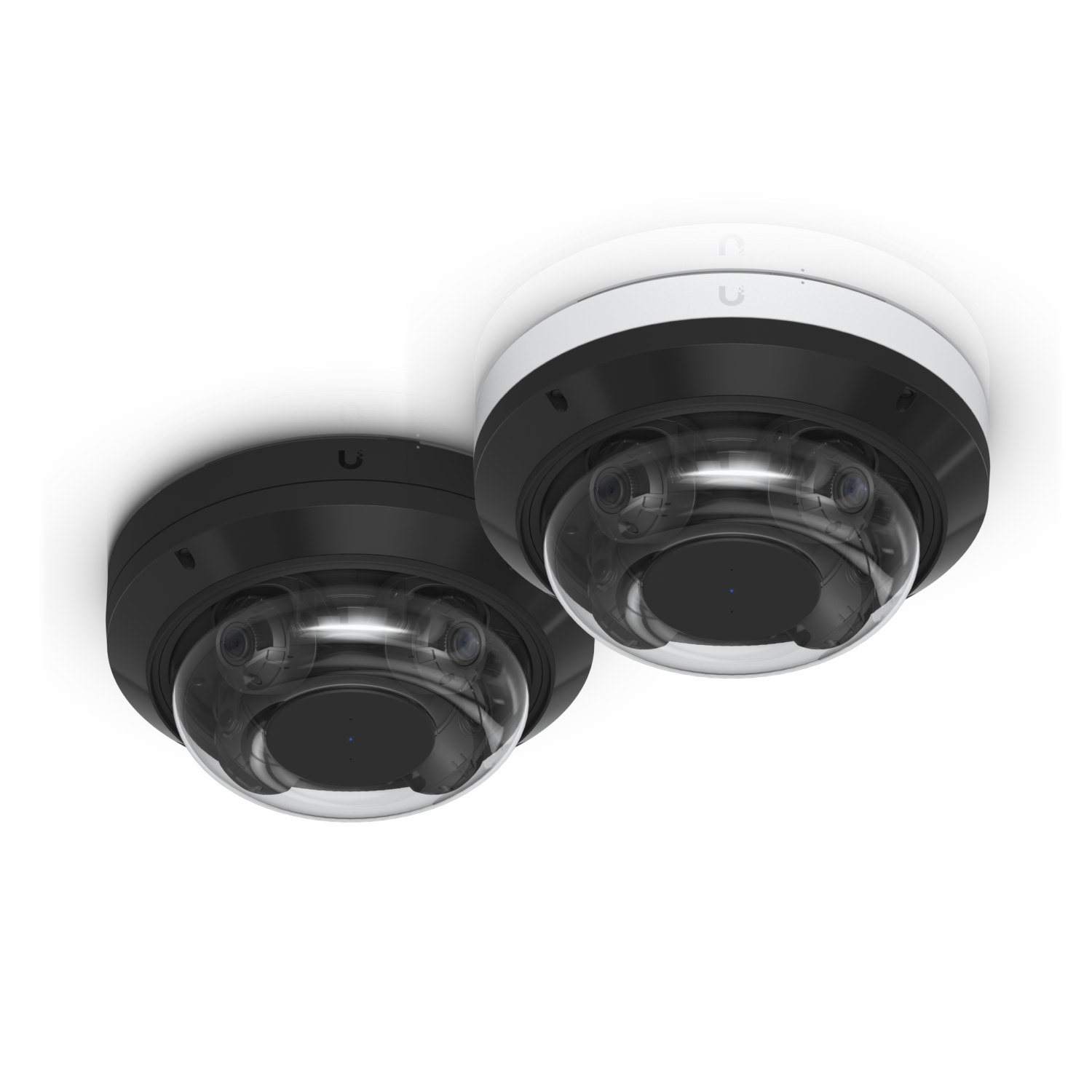
If you’ve got UniFi Protect at a shop or office, the cameras should not sit on the same network as the laptops and printers. That setup is a regular thread on the UniFi community. Someone moves the cameras to a VLAN, they go offline, and then the firewall gets opened until everything talks to everything again.
That’s not isolation. That’s a mess with extra steps.
Cameras need to reach the Protect console. They do not need to reach the rest of the LAN, and they do not need the internet. Get the VLAN type or the ports wrong and Protect loses them. Get it right and a camera problem stays a camera problem.
This is Network plus Protect, not a checkbox in the app. We do this for Houston businesses. You buy the gear from the Ui Store. JDM invoices labor.
If your cameras are on the same LAN as the rest of the office, or they dropped offline the last time someone tried to lock them down, start with a discovery call. It’s free, and it’s 30 minutes.
James Martinez JDM Network Solutions 346-346-0900 contact@jdmnetworksolutions.com