
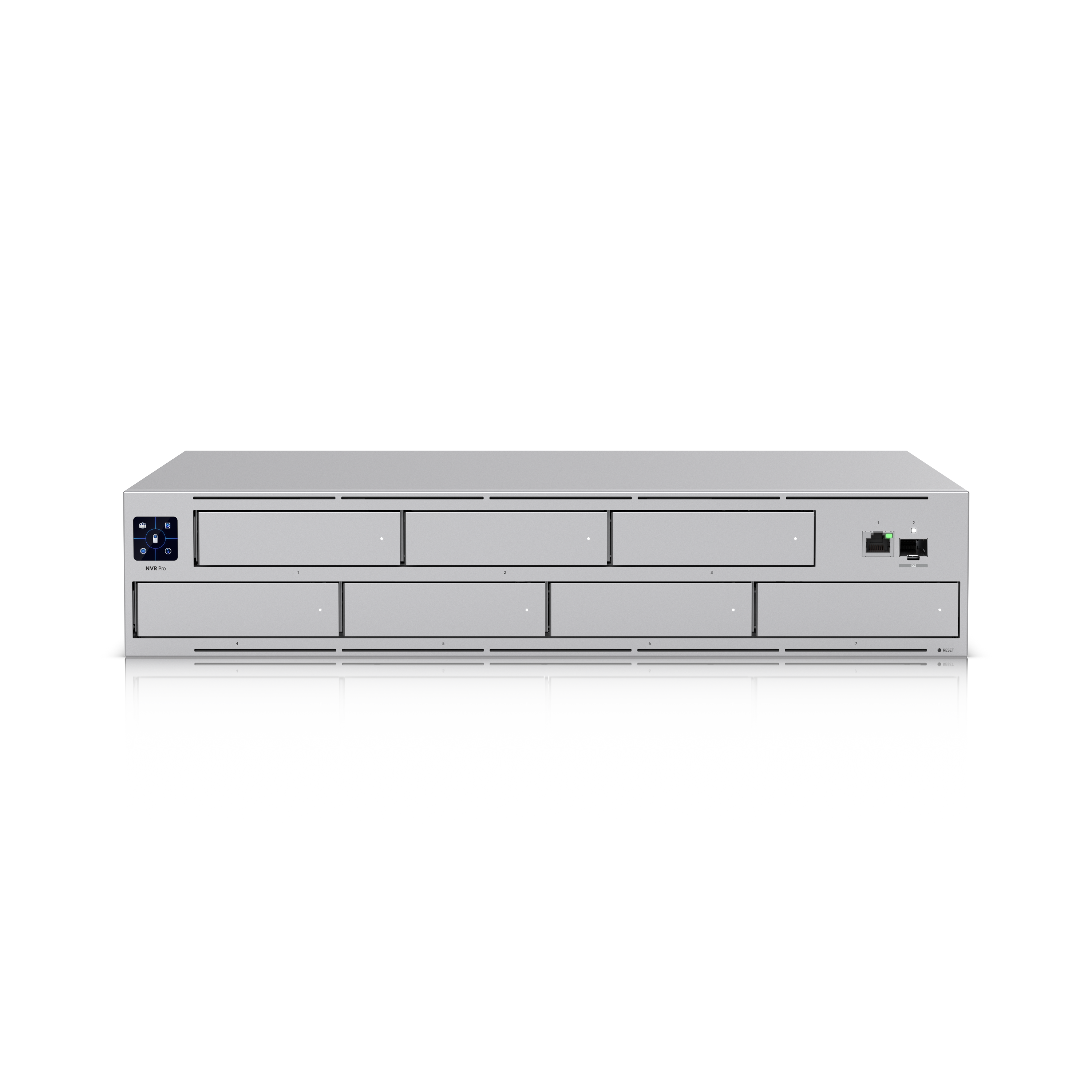
Ubiquiti published Security Advisory Bulletin 067 on August 26. UniFi Protect 7.1.87 and earlier have a command-injection bug. Someone who can reach the Protect application on the network can run commands on the recorder. The fix is Protect 7.2.105 or later.
You do need that update. 7.1 is the broken version.
How you apply it is the part shops skip. Auto-update on a customer UNVR is how you get a ticket at 2 in the morning. 7.2.105 is Official now. It is also the build some UNVR Pros are rolling back from. Cameras go Connecting, then Offline, while the cameras themselves are still up. G6 Entry rings stop landing in Protect after the camera firmware moved with it. People revert to 7.1.87. That is the version the advisory says to leave.
So you don’t stay on 7.1. You also don’t let the console eat 7.2.105 unsupervised. Stage it. Watch the entry camera and a couple of indoor cams. Then roll the rest.
This is Protect on a commercial console, not a checkbox in the app. We do this for Houston businesses. You buy the gear from the Ui Store. JDM invoices labor.
If your UNVR is still on 7.1, or it already jumped to 7.2 and the front door stopped ringing, start with a discovery call. It’s free, and it’s 30 minutes.
James Martinez JDM Network Solutions 346-346-0900 contact@jdmnetworksolutions.com