
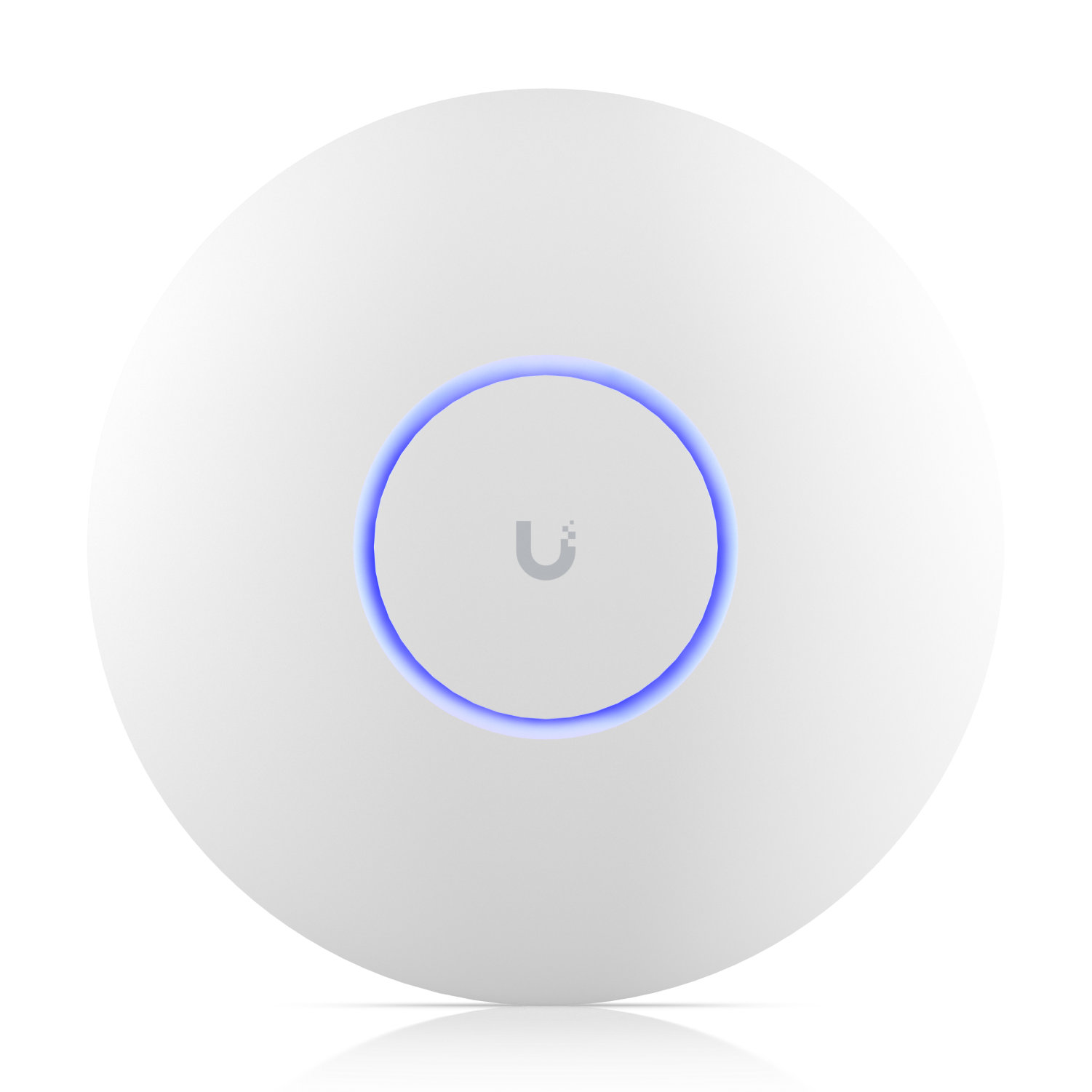
I see this a lot. Someone swaps in a UniFi U7 Pro, leaves channel and power on Auto, and expects Teams and phones to stop dropping. The AP is fine. The RF plan is not.
Auto channel and Auto power are the enemy in a multi-AP shop or office. They look convenient. They also pick overlapping channels and leave sticky clients hanging on a far AP. Community threads on this are endless. Walk the floor with a scanner. Set custom power so the coverage bubbles just touch. On 2.4, stay narrower and quieter than 5. Do not crank High to “cover more” and then wonder why roaming is trash.
Channel width is the other trap. Dense offices usually want restraint: 20 on 2.4, 40 on 5, keep 6 sane. Wide channels win a speed test under the AP. They lose when every neighboring AP and every Apple laptop is fighting for airtime. Apple devices roam on their own rules. More hardware does not override that. You tune for how they actually move.
And check the wire under the AP. U7 Pro wants PoE+ and a 2.5G uplink if you care about what the radio can do. Hang it on an underpowered PoE port or a 1G drop and you paid for a Wi-Fi 7 sticker.
I am not telling you to chase MLO or every Wi-Fi 7 checkbox this week. Get the survey, power, widths, and uplinks right first. That is Network design for a Houston office, not a checkbox in the app. You buy the gear from the Ui Store. JDM invoices labor.
If you already bought the U7 Pros and the office still feels sticky, or Auto is still running the radios, start with a discovery call. It’s free, and it’s 30 minutes.
James Martinez JDM Network Solutions 346-346-0900 contact@jdmnetworksolutions.com